

IGX Studio
EN
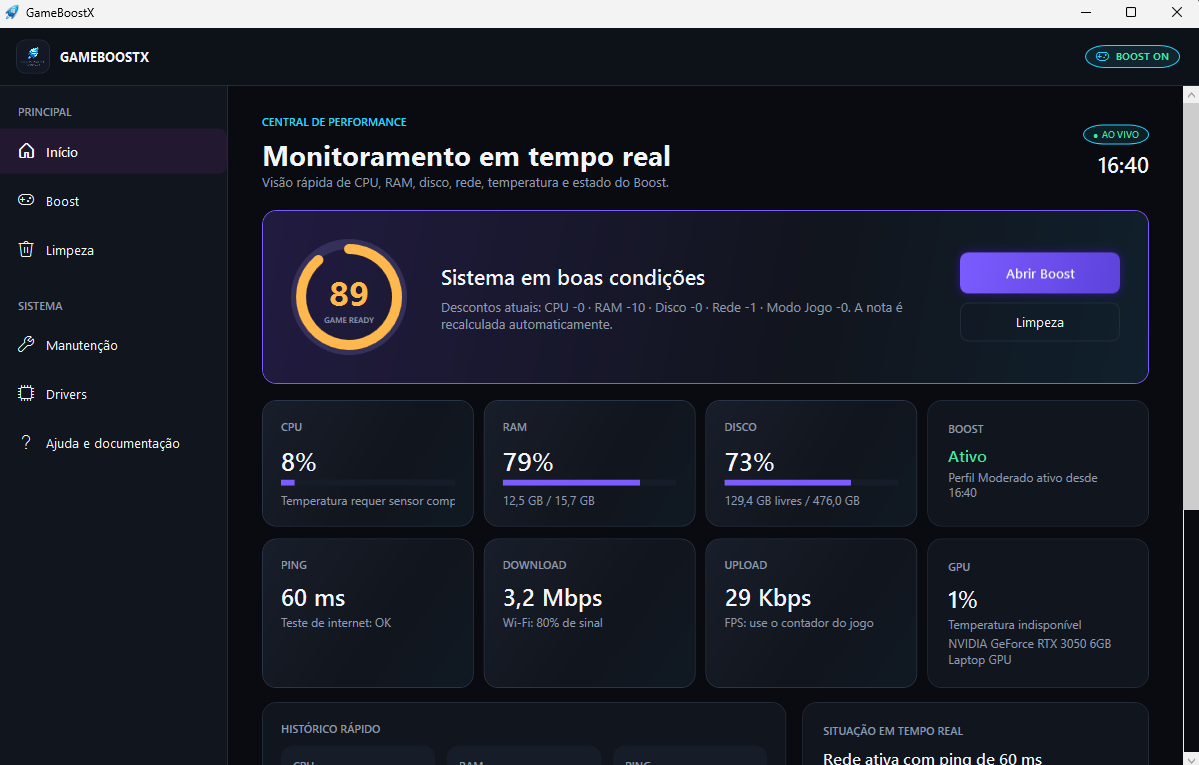
Illustrative GameBoostX interface
One-time purchase

Gaming · One-time payment

GameBoostX

Prepare Windows for gaming, reduce background interference and automatically restore your settings when you finish.

Game optimizationGaming PCWindows
System
Windows
Availability
No subscription
Buy nowView features
Problem and solution

What GameBoostX is designed to do

GameBoostX is a Windows gaming preparation and performance hub. It monitors your PC, reduces background processes and services, minimizes competing downloads and applies temporary power, network and performance settings—with automatic restoration when Boost ends.

Who it is for

Competitive gamersGaming PC usersPlayers dealing with stuttering or unstable ping

Key points

  • Temporary and reversible Boost
  • Moderate, Medium, Aggressive and Custom profiles
  • CPU, RAM, disk, GPU and network monitoring
  • Automatic restoration when you finish
Features

Explore GameBoostX

The features below describe the current product direction. Final availability will be confirmed before release.

Gaming optimization

Bring together settings designed to prepare your computer before gaming.
Organized setup

Avoid searching through different Windows screens whenever you want to play.

Straightforward use

Spend less time configuring your PC and more time gaming.

Compatibility

Check before installation

Operating system

Windows

Compatibility

Windows computers, FPS, battle royale, MOBA and other game genres

Requirements

What you will need

  • Windows
  • Permission to run the selected system adjustments
Frequently asked questions

Questions about GameBoostX

Does GameBoostX increase FPS?
GameBoostX does not promise miraculous FPS gains. It reduces real CPU, memory, disk, GPU and network interference. Results vary according to your hardware, game and background workload.
Are the changes permanent?
No. Boost actions are temporary and reversible. When you disable Boost or close the app, GameBoostX restores modified processes, services, Explorer, power plan and settings.
Can it reduce ping?
GameBoostX can reduce local congestion by pausing background downloads and syncing. It cannot change physical server distance, ISP routing or your connection’s base ping.
Does GameBoostX interfere with games or anti-cheat?
It works outside the game process: it does not inject code, modify game memory or files, create cheats or macros, or disable anti-cheat services.
How do I receive GameBoostX after purchase?
Access instructions are sent to the email entered at checkout after payment confirmation. For help, contact contact@igxstudio.com.
Keep exploring

Related software

WindowsOne-time payment

CleanWinX

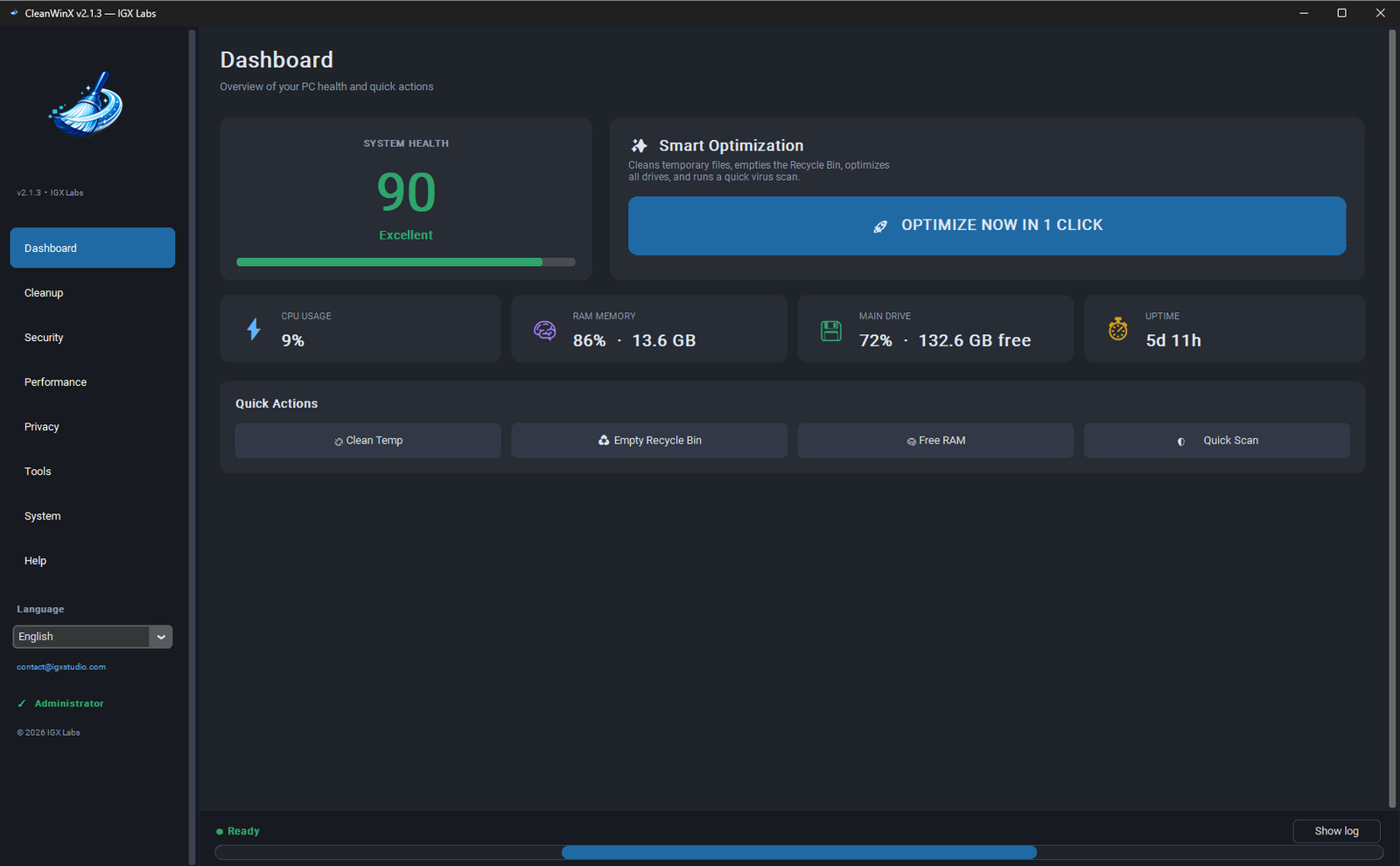
Clean, optimize and repair Windows 10 or 11 with one portable tool — no installation and no subscription.

Windows cleaningPC optimizationComputer maintenance
Learn more

Ready to use GameBoostX?

Prepare Windows for gaming, reduce background interference and automatically restore your settings when you finish.

Buy now